
Merchant Reconciliation
- Tap on the menu icon:

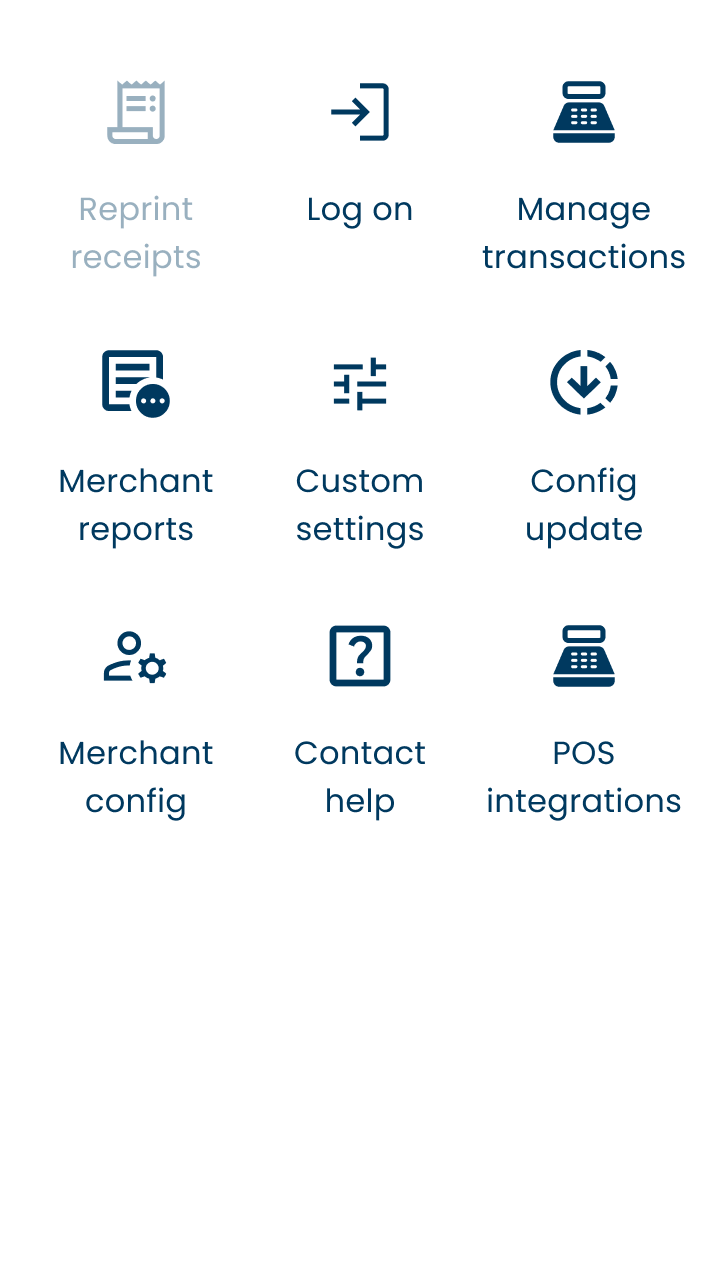
- Tap on ‘Merchant Menu.’
- Tap on ‘Merchant Reports.’
- Tap on ‘Reconciliation Subtotals.’

Smart Tip:
- This option will not zero (clear) the transactions of the day. The automatic reconciliation (which is set by default) will do this.
- Save on paper and use ‘Summary Report.’
Previous Day’s Reconciliation
- Tap on the menu icon
- Tap on ‘Merchant Menu.’
- Tap on ‘Merchant Reports’
- Tap on ‘Reconciliation Reprint’
